Laptops are the workhorses of the modern circular workplace, containing some of the highest-value technical nutrients (processors, rare earth metals) in any consumer device. Yet, most businesses and consumers discard them prematurely not because the core processor is slow, but because a few simple components have failed or become outdated (e.g., slow memory, dead battery).
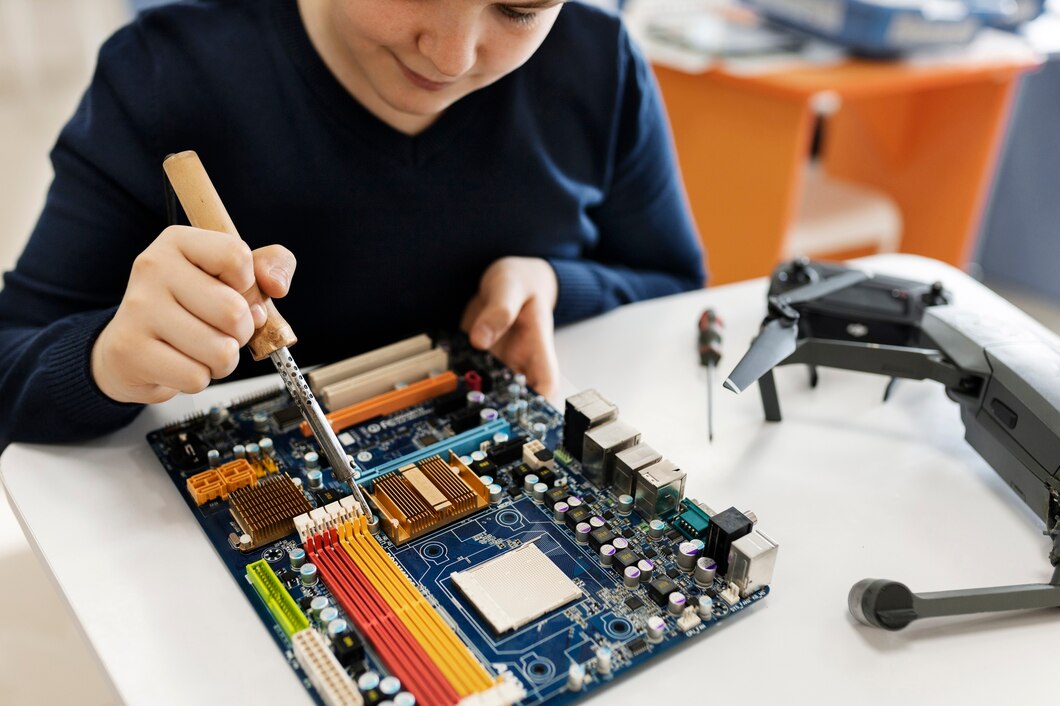
Laptop repair is the definitive strategy for extending asset life and minimizing e-waste. By embracing a DIY laptop fix mindset, you can quickly address the three most common points of functional obsolescence—memory, battery, and internal dust—for a fraction of the cost of replacement. This guide provides a complete roadmap for how to repair laptop yourself, detailing the steps for upgrading laptop RAM at home, performing laptop battery replacement, and mastering essential laptop maintenance for longevity.
I. The Obsolete Illusion (The OREO Framework)
Functional obsolescence is often a manufactured condition caused by a failure to perform simple component upgrades and basic maintenance.
The Value of the Core
Opinion: Discarding a laptop because it is “too slow” is often a failure to upgrade a single, cheap component, thereby sacrificing the high-value core asset (the CPU and mainboard).
Reason: Performance often bottlenecks at the cheapest, most accessible components: Random Access Memory (RAM) or the storage drive. A sluggish five-year-old laptop often requires only a $50 RAM upgrade and a switch to a Solid State Drive (SSD) to feel brand new. The linear economy encourages the consumer to ignore these simple fixes and buy a new machine, destroying the value of the old one.
Example: Sarah’s five-year-old business laptop is painfully slow, leading her company to consider a $1,200 replacement. A quick diagnostic reveals the laptop only has 4GB of RAM and a slow Hard Disk Drive (HDD). For $100, a technician performs a DIY laptop fix (upgrading to 16GB RAM and an SSD). The speed returns, and the laptop is viable for three more years, avoiding a massive capital expense and preventing the e-waste of the old chassis and mainboard.
Opinion/Takeaway: Therefore, investing in simple laptop maintenance and component laptop upgrade is the most effective circular economy strategy, securing years of functional life from an asset that would otherwise be prematurely discarded.
II. How to Repair Laptop Yourself: Key Upgrades
These three fixes address over 80% of functional obsolescence in aging laptops, providing the greatest return on effort.
1. Upgrading Laptop RAM at Home (The Speed Fix)
- Action: This is usually the simplest upgrade. Power down, remove the back panel (often held by standard screws), locate the RAM slots, gently release the clips, and insert the new RAM sticks.
- Benefit: RAM (Random Access Memory) dictates multitasking performance. Doubling the RAM is the single most noticeable laptop upgrade for speed.
2. Replacing Laptop Battery DIY Guide (The Portability Fix)
- Action: Laptop battery replacement requires patience. Power down and disconnect the battery cable. In older models, the battery is accessible via an external latch. In newer models, the back must be opened, and internal screws or light adhesive must be dealt with (a DIY laptop fix that requires precision tools).
- Benefit: Restores the asset’s portability, eliminating the need for a workplace sustainability replacement.
3. Cleaning Internal Components (The Overheating Fix)
- Action: Overheating is the primary cause of premature component failure. Open the back, locate the cooling fan and heat sink, and use compressed air to blast away the dust that clogs the components.
- Benefit: Laptop maintenance cleaning prevents thermal throttling (slowness) and extends the life of the processor, which is expensive to replace.
III. Laptop Maintenance and Longevity
Long-term laptop repair viability depends on simple, consistent maintenance, which should be part of any circular workplace policy.
- Software Maintenance: Regularly uninstall unused programs and clean up unnecessary files that clutter the drive and slow the system (a form of digital resource management).
- Cable Management: Use cable ties and avoid sharply bending power and charging cables. Frayed cables are a major source of e-waste and fire hazard. Replacing a cable is a high-impact DIY laptop fix.
- External Peripherals: Use external keyboards, mice, and monitors. This reduces wear and tear on the laptop’s most fragile components (its own keyboard and screen), preserving its asset value.
IV. The Economic Case for DIY Laptop Fix
The decision to choose laptop upgrade over replacement is a powerful circular economy financial strategy.
- Cost Comparison: The average cost of a DIY laptop fix (RAM/SSD/Battery) is usually less than 10% of the cost of a new laptop.
- Value Retention: A well-maintained laptop retains higher asset value for resale or donation, allowing the company to recover capital from the older assets when they are truly no longer needed.
- Resource Security: By extending the life of the hardware, the business reduces its dependency on a fragile global supply chain for new chips and components.
Conclusion: Upgrade, Don’t Discard
The vast majority of discarded laptops have years of functional life left, waiting only for a simple component upgrade or basic maintenance. The linear impulse to replace is a systemic error.
How to repair laptop yourself is an accessible skill that demands attention to detail and patience. By embracing laptop maintenance, performing simple RAM upgrade and laptop battery replacement procedures, you ensure your high-value asset achieves its maximum lifespan, securing your budget and contributing significantly to e-waste reduction.
About the Author